Logo Volodymyr's Blog
  • Home
  • About
  • Skills
  • Experiences
  • Featured Posts
  • More
    Recent Posts Accomplishments
  • Posts
  • Notes
  • Dark Theme
    Light Theme Dark Theme System Theme
Logo Inverted Logo
  • Posts
  • GitHub
    • GitHub Actions Basics
  • Kafka
    • Kafka Basics
  • Tools
    • fio Benchmarking
    • Git Worktree
  • Networking
    • HTTP/3 and QUIC
    • Mutual TLS
  • AWS
    • Locked Out of EC2
Hero Image
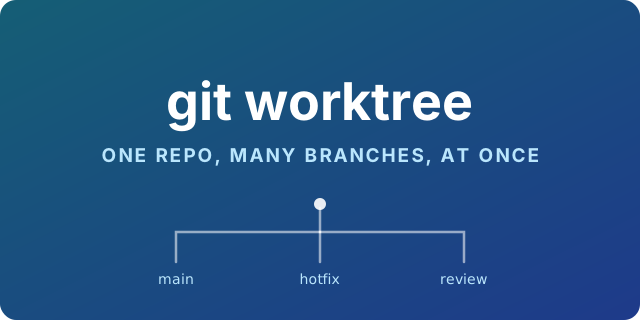
Git Worktree: One Repo, Every Branch, No Stashing

You are halfway through a refactor. Nothing compiles. Someone reports production is broken and needs a one-line fix on main. So you git stash, switch branch, fix, switch back, git stash pop, and spend the next ten minutes working out which of your changes came back and which were already there. Or you keep a second clone of the repo, and now you maintain two sets of hooks, two .env files, two IDE indexes, and 4 GB of duplicated history.
  • Git
  • CLI
  • Workflow
Tuesday, July 28, 2026 | 10 minutes Read
Hero Image
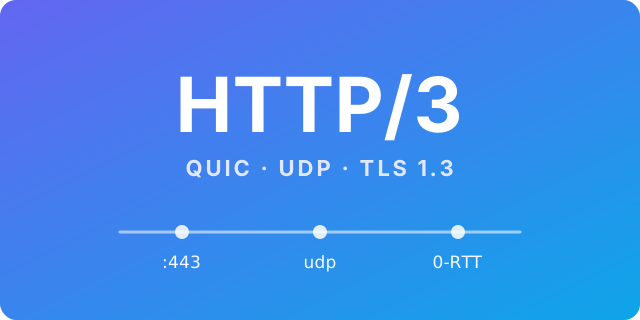
HTTP/3 in Practice: From SPDY to QUIC on My Home Router

I turned on HTTP/3 for a CloudFront distribution, saw the load times improve, and then did what I usually do when something works without me understanding why: I went looking for the packets. This post has three parts. First, how HTTP got here — because HTTP/3 makes very little sense without the twenty years of workarounds that preceded it. Second, the theory, kept short. Third, the practical part: enabling it on a CDN, then capturing real QUIC traffic on my OpenWrt router with tcpdump and reading what comes back.

  • HTTP/3
  • QUIC
  • Networking
  • CloudFront
  • tcpdump
Monday, July 27, 2026 | 12 minutes Read
Hero Image
Mutual TLS: What It Actually Proves

Every HTTPS connection you make proves something: that the server is who it claims to be. Almost none of them prove the reverse. The server has no idea who you are until you send it a password, a token, or a cookie — a secret that has to be created, stored, transmitted and rotated, and that anyone who steals it can replay. Mutual TLS moves that proof into the connection itself. Both sides present a certificate, both sides verify the other, and the caller’s identity is established before a single byte of your application protocol is exchanged.

  • mTLS
  • TLS
  • Vault
  • PKI
  • Security
  • Docker
Tuesday, June 9, 2026 | 16 minutes Read
Hero Image
Locked Out of EC2: Restoring SSH Access With User Data

$ ssh admin@203.0.113.25 admin@203.0.113.25: Permission denied (publickey). The instance is healthy. The security group is right. The disk is fine. You simply no longer hold the key that gets you in — the laptop was reimaged, the key was never committed anywhere, or it belonged to someone who left. AWS cannot help you here, and that is by design. The fix is to make the instance add a key you do hold, on its next boot, using the one channel you still control: user data.

  • AWS
  • EC2
  • SSH
  • cloud-init
  • Recovery
Tuesday, April 14, 2026 | 10 minutes Read
Hero Image
fio: File System Performance Benchmarking

fio is a versatile tool for stress testing and benchmarking disks and filesystems. It can generate a wide variety of I/O patterns, report latency and throughput statistics, and help you compare hardware or configuration changes. Installation Debian/Ubuntu sudo apt-get update sudo apt-get install fio CentOS/RHEL sudo yum install fio macOS (Homebrew) brew install fio To build from source, clone the repository and run make && sudo make install: git clone https://github.com/axboe/fio.git cd fio make sudo make install Verify the installation with fio --version.

  • Benchmarking
  • fio
Friday, August 22, 2025 | 2 minutes Read
Hero Image
Kafka Basics: Theory and Python Examples

Apache Kafka is a distributed platform for handling real‑time event streams. It provides three main capabilities: Publish and subscribe to streams of events. Store those streams durably and reliably for as long as needed. Process streams of events as they occur or later. Events, Producers, and Consumers An event (or record/message) captures that “something happened” in your system. Client applications that write events are called producers, while those that read events are consumers.

  • Kafka
  • Python
  • Streaming
Tuesday, August 19, 2025 | 4 minutes Read
Hero Image
GitHub Actions Basics

GitHub Actions is GitHub’s built-in automation platform. It lets you build, test, and deploy your code right from GitHub. Key Concepts Workflow: Automated process defined in a YAML file inside .github/workflows/. Event: Trigger that starts a workflow, such as a push, pull request, or schedule. Job: A set of steps executed on the same runner. Step: An individual task in a job that can run commands or actions. Action: Reusable extension that performs a specific task. Actions can come from the marketplace or your repository. Runner: The server that executes your jobs. GitHub-hosted runners cover common environments, or you can use self-hosted runners. Example Workflow Create a file named .github/workflows/ci.yml in your repository:

  • GitHub
  • CI/CD
Thursday, May 30, 2024 | 2 minutes Read
Navigation
  • About
  • Skills
  • Experiences
  • Featured Posts
  • Recent Posts
  • Accomplishments
Contact me:
  • vzavalskyi
  • Volodymyr Zavalskyi

Liability Notice: This website provides information for personal and educational purposes only. While I strive for accuracy, the information is provided ‘as is’ without any guarantees of completeness or usefulness. Any reliance you place on such information is strictly at your own risk. This website may contain links to external sites. I am not responsible for the content of those sites and do not endorse them. Users are responsible for any decisions made based on the information found on this website. For details on how I handle personal information, please refer to my Privacy Policy. I reserve the right to modify or update content on this website at any time without prior notice.


Toha Theme Logo Toha
2025 © Volodymyr Zavalskyi. All rights Reserved.
Powered by Hugo Logo